Does the “Open to Work” Badge Actually Hurt Your Job Search?
Discover whether LinkedIn's Open to Work badge affects your job search, compare public and recruiters-only settings, and learn how to attract recruiters with a professional LinkedIn profile.
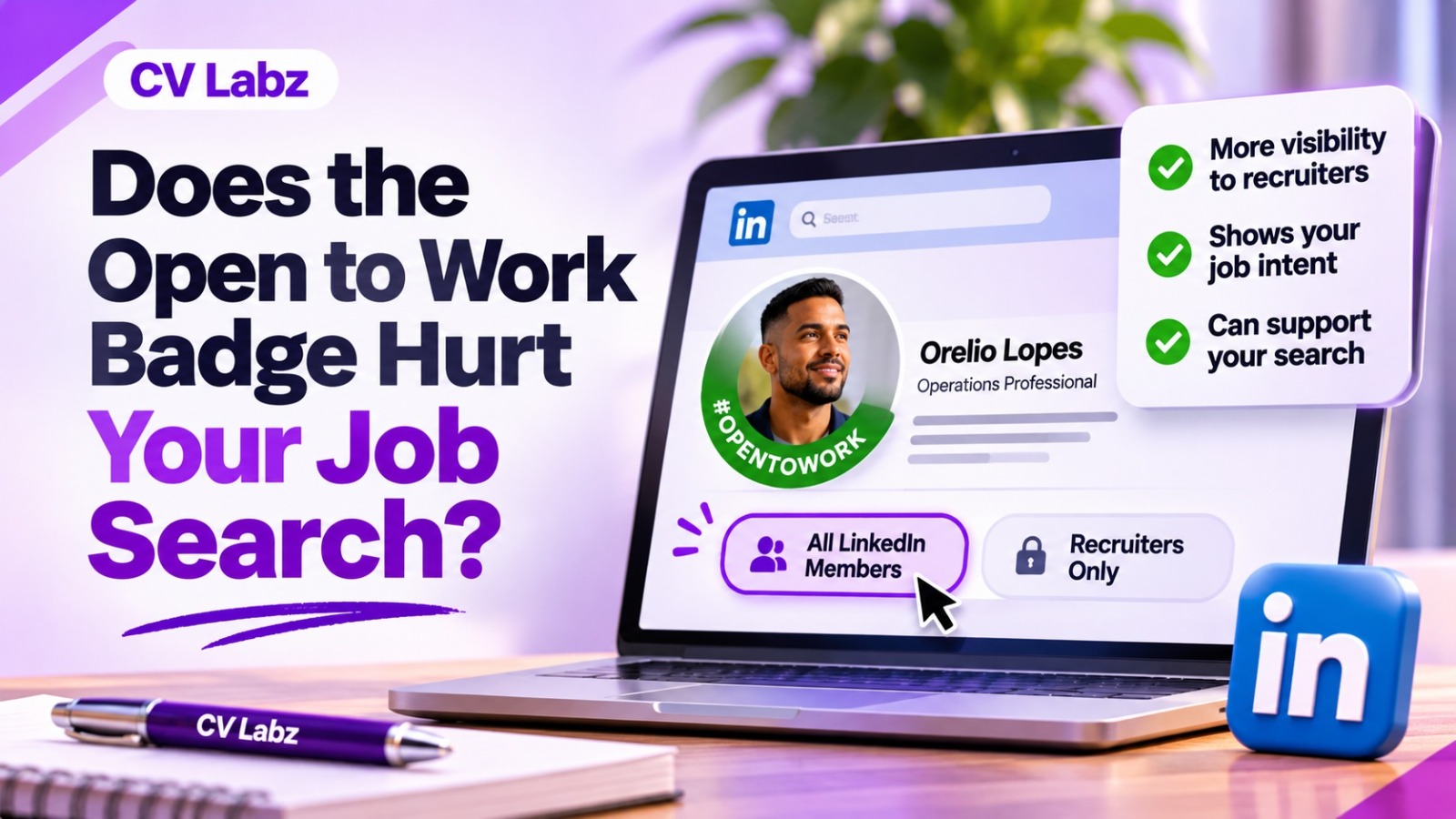
If you are wondering whether open to work linkedin hurts your chances of getting hired, the short answer is no. The badge itself does not make you look unprofessional or desperate. What matters more is how you use the feature and how well your LinkedIn profile supports your job search.
LinkedIn gives you control over who sees your Open to Work status. You can share it with everyone on LinkedIn, limit it to recruiters, or keep the preference visible only to yourself. When you specify your target roles, locations, workplace types, and employment preferences, LinkedIn uses that information to help your profile appear in relevant recruiter searches.
Before turning the feature on, it is worth checking whether your profile communicates the type of opportunity you want. At CV Labz, our LinkedIn Analyzer helps you review your profile and identify areas that could be improved, so you can build a stronger professional presence.
What Does the Open to Work Badge Mean on LinkedIn?
The Open to Work feature tells LinkedIn and, depending on your visibility choice, recruiters or other members that you are interested in new job opportunities.
When you activate it, you can provide details such as the job titles you are targeting, preferred locations, workplace type, start date, and employment type. LinkedIn uses these preferences to help connect your profile with relevant opportunities and recruiter searches.
The important point is that the feature is not simply a green badge. It is also a way to communicate your job-search preferences behind the scenes.
Public Open to Work Setting
If you select All LinkedIn Members, your Open to Work status is visible across LinkedIn. LinkedIn also adds the #OpenToWork photo frame to your profile picture.
This option is useful when you are comfortable telling your wider network that you are looking for a job.
It also makes it easier for former colleagues, professional contacts, hiring managers, and other members to understand that you are available for opportunities.
Recruiters-Only Setting
If you want a more discreet job search, LinkedIn also provides a Recruiters only option. With this setting, your career interests are shared with people using LinkedIn Recruiter rather than being displayed publicly on your profile. Recruiters use Open to Work information when searching for candidates who match their requirements.
However, LinkedIn does not promise complete privacy. It takes steps to prevent recruiters at your current company and related companies from seeing your shared career interests, but it states that it cannot guarantee complete privacy.
Does Open to Work on LinkedIn Work?
Yes, does open to work on linkedin work? It helps make your job-search status clearer to recruiters, but it is not a guarantee of interviews or job offers. The feature works best when your preferences and profile clearly match the roles you want.
1. It Makes Your Job Search Intent Clear
Recruiters need to know what type of candidate they are looking at.If your profile shows that you are open to specific roles, locations, and workplace types, your job-search intent becomes easier to understand.
For example, someone looking for a remote digital marketing position can specify relevant job titles and indicate an interest in remote work. LinkedIn Recruiter also provides filters that allow recruiters to identify candidates who are open to different workplace types, including remote, hybrid, and on-site positions.
2. It Helps Recruiters Find Relevant Candidates
LinkedIn says recruiters search for candidates who have privately shared their career interests.
Recruiters also see information such as the roles candidates are interested in and whether they have indicated interest in particular employment types.
So, turning on Open to Work increases the clarity of your availability to recruiters. The key is making sure the information you provide is accurate and relevant.
3. Your Profile Still Does the Heavy Lifting
The badge cannot compensate for a weak profile. LinkedIn's own job recommendation system uses information such as your headline, About section, experience, education, and location preferences when matching jobs to your profile.
That means your profile needs to support your Open to Work status. If your headline says one thing, your experience suggests another direction, and your Open to Work preferences target a completely different role, the overall message becomes unclear.
Is Open to Work a Good Idea on LinkedIn?
So, Is open to work a good idea on LinkedIn? For many job seekers, yes. But the best visibility setting depends on your circumstances.
1. When the Public Badge Makes Sense
The public option makes sense when:
- You are actively looking for a new role.
- You are comfortable telling your professional network.
- You want colleagues and connections to know you are available.
- You are looking for referrals or introductions.
- You are comfortable displaying the #OpenToWork frame.
Your network includes more than recruiters. A former colleague might know about an opening. A professional connection might introduce you to a hiring manager. A public status makes those people aware that you are looking.
2. When Recruiters-Only Is Better
Recruiters-only is more suitable when you want to search discreetly. This is particularly relevant if you are currently employed and do not want to publicly announce that you are considering another opportunity.
You still give LinkedIn Recruiter users a signal that you are interested in new roles without adding the public photo frame.
Does the Open to Work Badge Make You Look Desperate?
Not necessarily.Being open to opportunities is normal. The badge itself does not explain your professionalism, skills, or value. Your overall profile does that.
A job seeker is more likely to appear unprepared when their profile is vague, outdated, or poorly targeted.
What Actually Makes a Job Seeker Look Unprepared?
Some common problems include:
- A headline that does not identify a clear professional direction.
- An About section with no clear value proposition.
- Experience descriptions that only list basic responsibilities.
- A profile targeting too many unrelated roles.
- Repeated posts simply asking people for “any job.”
- No evidence of relevant skills or achievements.
These issues are not caused by Open to Work. They are profile and positioning problems.
How to Look Professional While Job Searching
Be specific. Instead of saying:
"Open to any opportunity".
Try communicating:
"Marketing professional with 5+ years of experience in B2B campaigns, content strategy, and lead generation. Currently exploring marketing manager opportunities in Dubai."
The second version gives people a clearer understanding of your background and target.
Public Badge vs Recruiters-Only: Which Should You Choose?
| Feature | Public Open to Work | Recruiters Only |
| Visible to LinkedIn members | Yes | No |
| #OpenToWork photo frame | Yes | No |
| Recruiter discovery | Yes | Yes |
| Network awareness | High | Limited |
| Privacy | Lower | Higher |
| Best for | Open job search | Discreet job search |
LinkedIn states that choosing All LinkedIn Members adds the #OpenToWork photo frame, while the recruiters-only option allows Recruiter users to see your shared career interests without displaying the public frame.
How to Use #OpenToWork on LinkedIn Without Looking Generic
The #opentowork on linkedin hashtag is useful when you want your wider network to know that you are searching for a role.
However, do not make the entire post a generic announcement. Give people enough context to understand what you are looking for.
For example:"I’m currently exploring Product Marketing Manager opportunities in Dubai, with a focus on B2B technology and SaaS. I’m particularly interested in roles involving go-to-market strategy, content, and demand generation. I’d be glad to connect with professionals hiring in this space or anyone who can point me toward relevant opportunities. #OpenToWork"
This approach gives your network something useful to respond to. It tells them your target role, location, expertise, and the type of opportunity you want.
What Should Your LinkedIn Profile Say When You Are Open to Work?
Turning on the badge is only one part of your strategy.
1. Make Your Headline Specific
Your headline should quickly communicate what you do and what you want to be known for.
Instead of:
"Marketing Professional | Open to Work"
Consider something more specific:
"Digital Marketing Manager | SEO | Content Strategy | B2B Growth"
The second version provides useful professional context even before someone reads the rest of your profile.
2. Strengthen Your About Section
Use the About section to explain your professional background, strongest skills, achievements, and target direction.
If you are changing careers, explain the connection between your existing experience and the role you want next.
3. Highlight Relevant Skills
Prioritize skills that support your target position. For example, someone targeting a social media manager position should make relevant skills easy to identify rather than filling the profile with unrelated abilities.
4. Turn Experience Into Evidence
Do not only write like "Manage social media accounts."
Explain what you achieved like "Managed social media campaigns across multiple platforms and improved engagement through content planning and audience-focused campaigns.Specific evidence makes your profile more convincing."
What Are the Biggest Open to Work Mistakes?
1.Treating the Badge as a Complete Job Search Strategy
The badge is a signal, not a complete strategy.You still need a strong profile, relevant applications, networking, and professional communication.
2. Keeping Your Target Role Vague
If you are open to everything, recruiters struggle to understand where you fit. Define the roles you actually want.
3. Turning On the Badge Without Updating Your Profile
Your Open to Work preferences and your profile should tell the same story.
If you are targeting product management but your profile still focuses entirely on an unrelated career path, update the relevant sections.
4. Posting Repeatedly Without Adding Value
One thoughtful job-search post is more useful than repeatedly publishing the same request. Share your expertise, industry observations, projects, achievements, or useful insights alongside your job-search updates.
5. Ignoring Your Network
LinkedIn is also a networking platform.Reach out to relevant professionals. Reconnect with former colleagues. Engage with people working in your target industry.A badge alone does not create relationships.
How Can You Make Open to Work Work Better?
Use this simple process:
1. Define your target role
Know which positions you want before changing your profile.
2. Update your headline
Make your professional direction obvious.
3. Improve your About section
Connect your experience with your next career goal.
4. Review your experience
Focus on relevant responsibilities, achievements, and results.
5. Choose your visibility carefully
Use the public setting if you want wider visibility. Choose recruiters-only if you prefer a more discreet search.
6. Add accurate job preferences
LinkedIn lets you specify job titles, locations, workplace types, start date, employment types, and visibility preferences.
7. Build relevant connections
Connect with recruiters, hiring managers, industry professionals, and former colleagues.
8. Apply strategically
Use Open to Work as one part of your job search rather than relying on it alone.
Does Open to Work Actually Hurt Your Job Search?
No. The Open to Work badge does not automatically hurt your job search.The bigger question is how professionally you use it.
If you are comfortable with public visibility, the badge clearly communicates that you are looking for opportunities. If you prefer privacy, LinkedIn's recruiters-only option provides a more discreet alternative.
Neither option guarantees a job. Your profile still needs to show relevant experience, skills, achievements, and a clear career direction. LinkedIn itself uses profile information such as your headline, About section, experience, education, and location preferences when generating relevant job recommendations.
Make Your LinkedIn Profile Ready for Your Next Opportunity
Before switching on Open to Work, make sure your profile supports the type of role you want.
At CV Labz, our LinkedIn Analyzer helps you review your profile and identify areas that could be improved, so you build a stronger professional presence.
FAQs
1. Does Open to Work actually work?
Yes. LinkedIn allows recruiters using LinkedIn Recruiter to identify candidates who have shared their career interests. However, Open to Work is not a guarantee of recruiter messages, interviews, or job offers.
2. Is Open to Work a good idea on LinkedIn?
Yes, if it matches your job-search situation. Use the public option when you want your network to know you are searching. Use recruiters-only when you want a more discreet approach.
3. Does the Open to Work badge look desperate?
No. The badge simply communicates that you are interested in new opportunities. Your profile quality and how you communicate your job search have a much greater effect on how professional you appear.
4. Can my current employer see that I am Open to Work?
If you choose All LinkedIn Members, your Open to Work status is visible publicly, including to people at your current company. If you choose recruiters-only, LinkedIn takes steps to prevent recruiters at your current company and related companies from seeing your career interests, but it does not guarantee complete privacy.
5. Should I use #OpenToWork on LinkedIn?
You can use #OpenToWork on LinkedIn if you want to tell your network that you are searching. Make the post specific by mentioning your target role, industry, location, and relevant experience instead of posting a generic job request.
6. What is the difference between public Open to Work and recruiters only?
Public Open to Work is visible to LinkedIn members and adds the #OpenToWork photo frame. Recruiters-only shares your career interests with LinkedIn Recruiter users without displaying the public frame.
7. How do I attract recruiters on LinkedIn?
Start with a clear headline, relevant About section, achievement-focused experience, accurate skills, and specific Open to Work preferences. Keep your profile aligned with the roles you want recruiters to find you for.